Storing your first password
Now that you have successfully set up a new account, you can proceed to using your vault. Once you're logged in at https://mypassword.care, you will be greeted with an empty vault: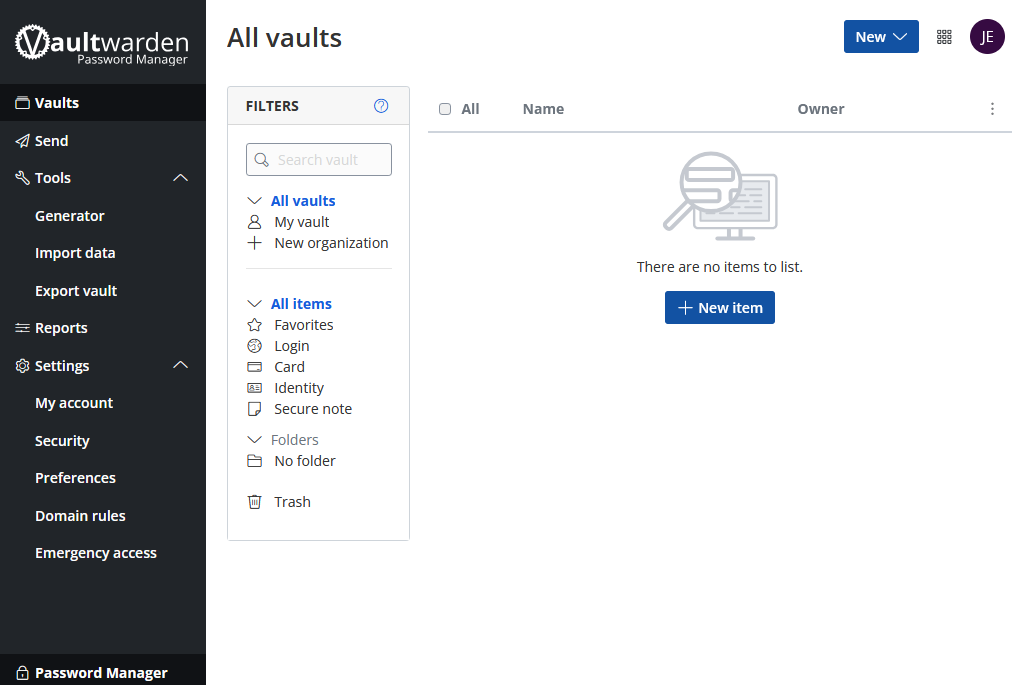
Click the "New" button in the top right corner and choose "Item" from the drop down menu to being creating a new entry.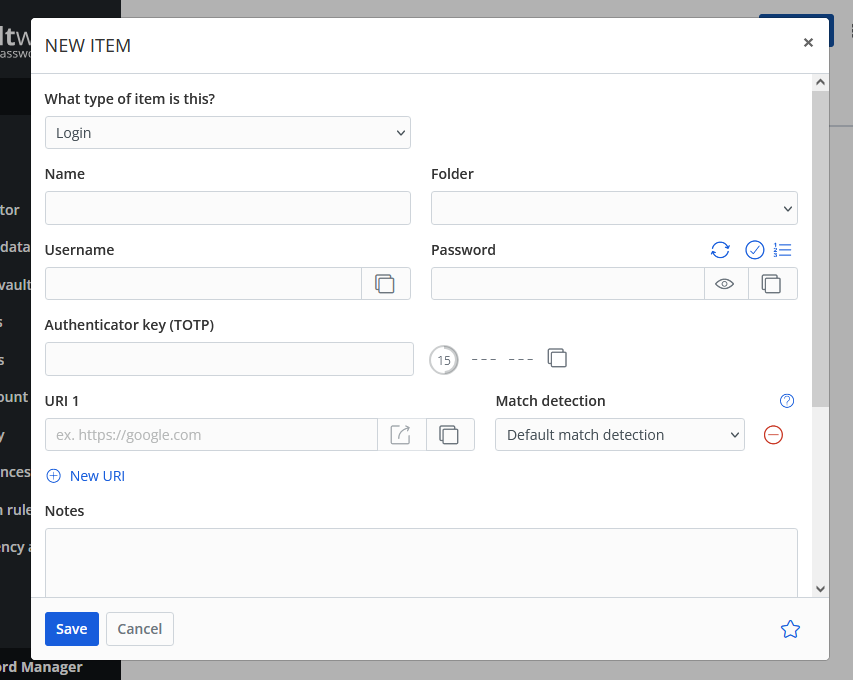
To create a simple entry for a password, you only need to pay attention to 3 fields:
- Name: This is a display name that should be something meaningful to identify the account. Something like "Facebook Login" or "Quickbooks User - Mary", for example, that will quickly clue you into what this entry is.
- Username: This should be the username (or email) for the password you're storing.
- Password: This, naturally, is the password you're storing. You can click the eye symbol to the right of the password field to view what you're typing before you save it.
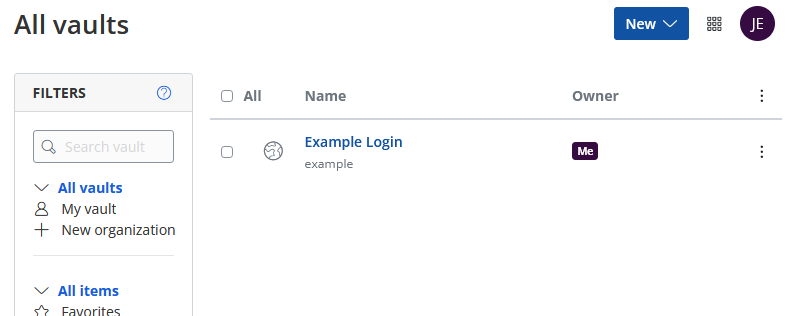
With just those 3 fields filled out, click "Save" and you will have saved your first password! You will now see the item in your vault: